Upselling groups
Add-on groups are structured lists of optional articles linked to a main article.
What is an upsell group?
An upsell group is a collection of add-ons that are automatically suggested when a customer selects a product.
The goal is to make it easy to add relevant accessories and increase the average order value.
Example:
When ordering a pizza, the customer can be offered extra cheese, sauce, or toppings.
How does it work?
You create an upsell group
You add the items to be suggested
You link the group to one or more products
When the customer selects the product, the system displays the add-ons. The customer can choose to add them or skip them.
Create an Upsell Group
To create an upsell group:
Click on Products

Click Upsell Groups

Click Create New

Name the Upsell Group and add the items you want to offer
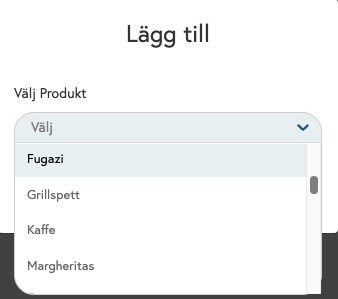
Navigate to the product you want to add to the Upsell Group
Click on Advanced Settings or directly on Cross-Selling and select your Cross-Selling Group.
Click Save
Was this helpful?
Still need help? Share an idea