X/Z Report
This guide will show you how to create an X report to view sales so far in the day, and how to create a Z report to close and zero out the day's sales.
Find the X/Z Report in POS
Click the gear icon (Settings) located in the upper-left corner of the screen.
Select the X/Z Report option from the menu.
Creating an X Report
An X report shows a summary of sales from the last Z report up to the present, without generating a Z report
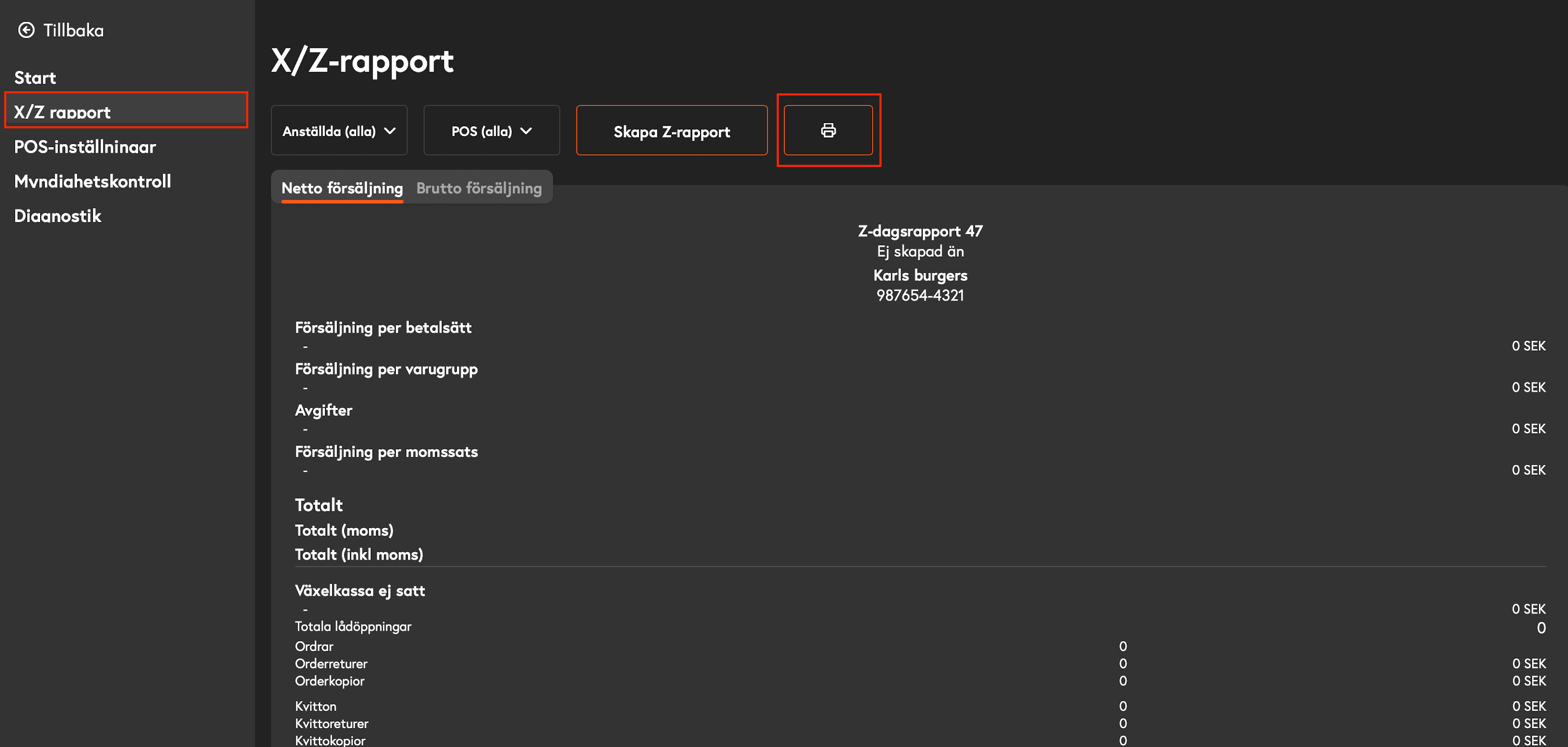
In the X/Z view, click the printer icon to print a current X report.
Creating a Z Report
A Z report summarizes the entire day’s sales and should always be generated at the end of the day. When the report is generated, the sales counter is reset for the next sales day.
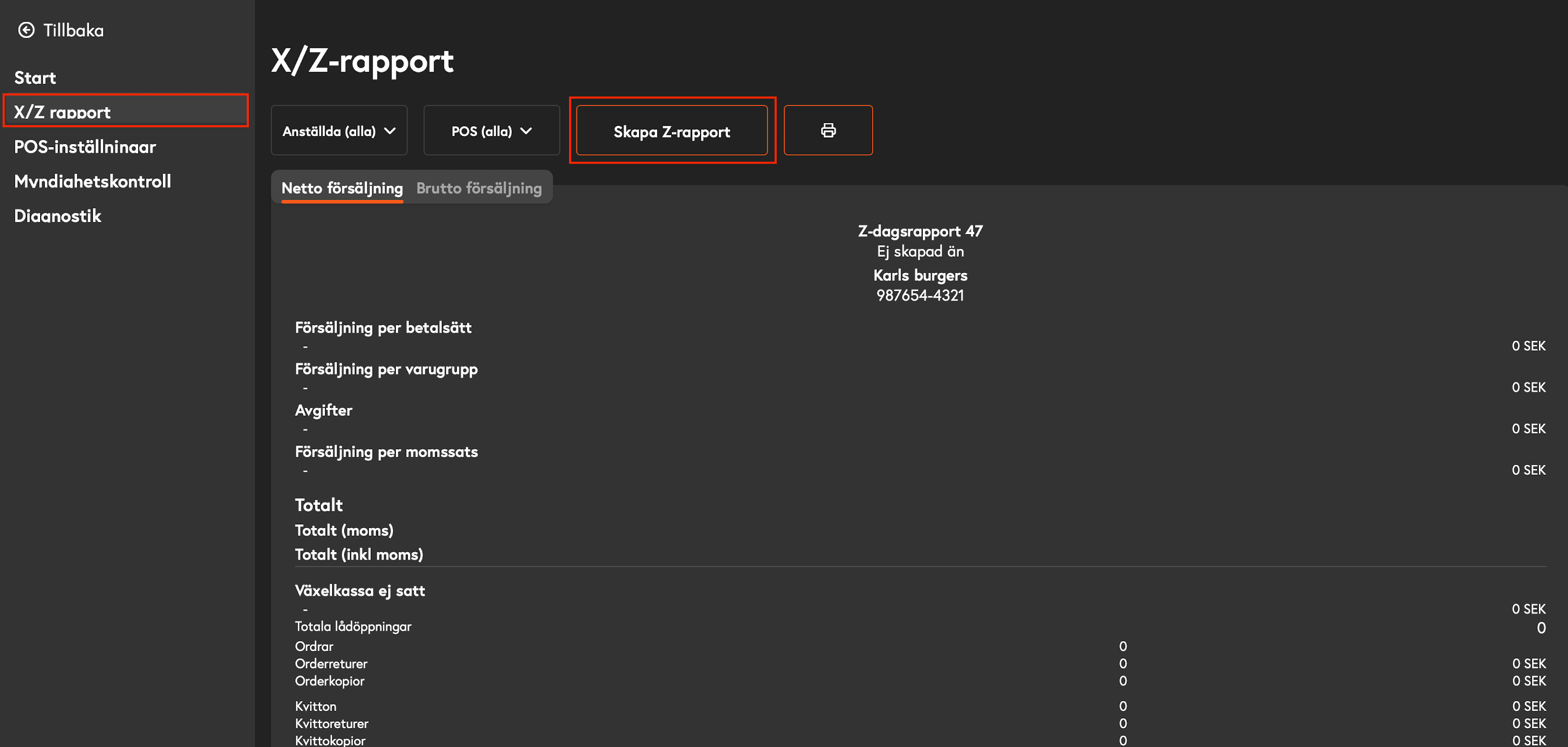
In the X/Z view, click the Create Z Report button to close the report for the day
Was this helpful?
Still need help? Share an idea