Change language at checkout
This guide shows you how to quickly and easily switch the system language of the user interface directly at the checkout
Click the gear icon (Settings) located in the upper-left corner of the screen.
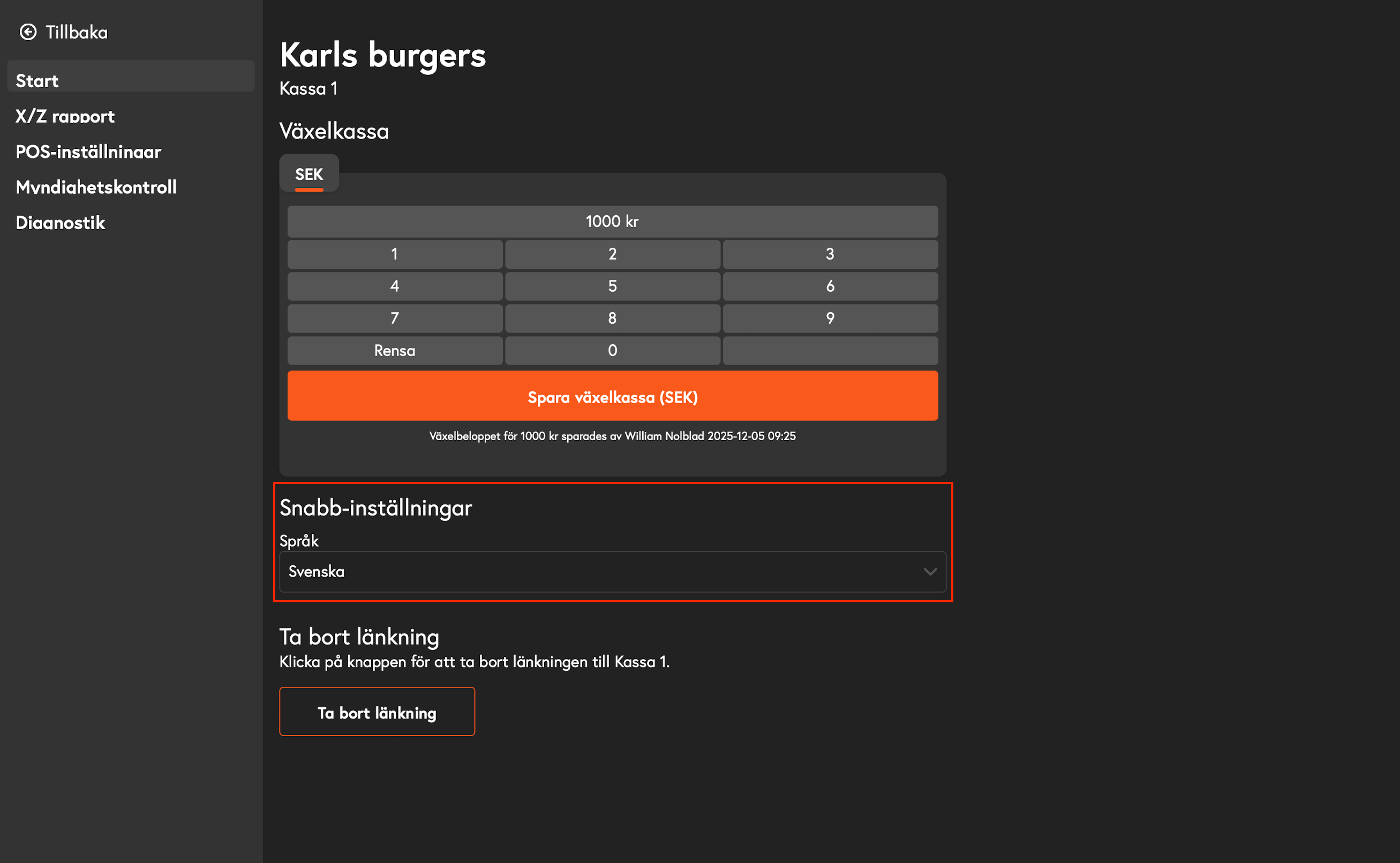
In the menu that opens, navigate to Home.
Find and click the Language option.
A list of available languages will appear. Select the desired language (Swedish, Norwegian, Danish, or English) from the list.
The system will now update and switch to the selected language.
FAQ
Will the language change for all users on this register?
Will the language change for all users on this register?
Yes, the setting is local to the specific POS terminal you are working on. The language will be changed for everyone who logs in to this particular terminal until someone changes it again.
Was this helpful?
Still need help? Share an idea